Nano Banana Pro
AI Image Generation
Generate product shots, lifestyle scenes, and social visuals from a single text prompt.
Mavora Studios is a self-serve AI studio for creators, founders, and small teams to generate images and short videos from a text prompt or an image — with simple, credit-based pricing.
SavedFrom still images to short video clips — every example below was generated in Mavora from a text prompt or an image you provide.
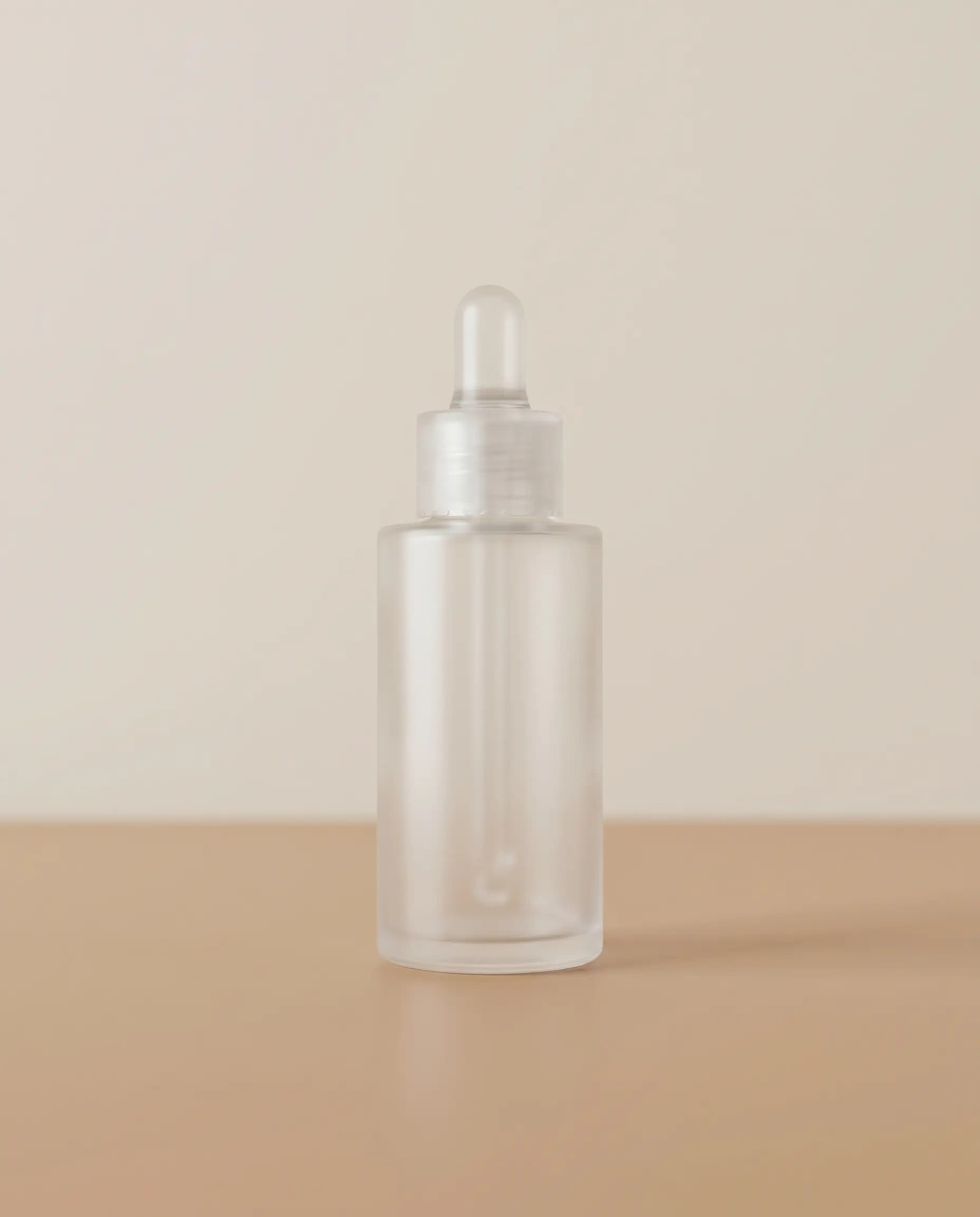
Generate product shots, lifestyle scenes, and social visuals from a single text prompt.
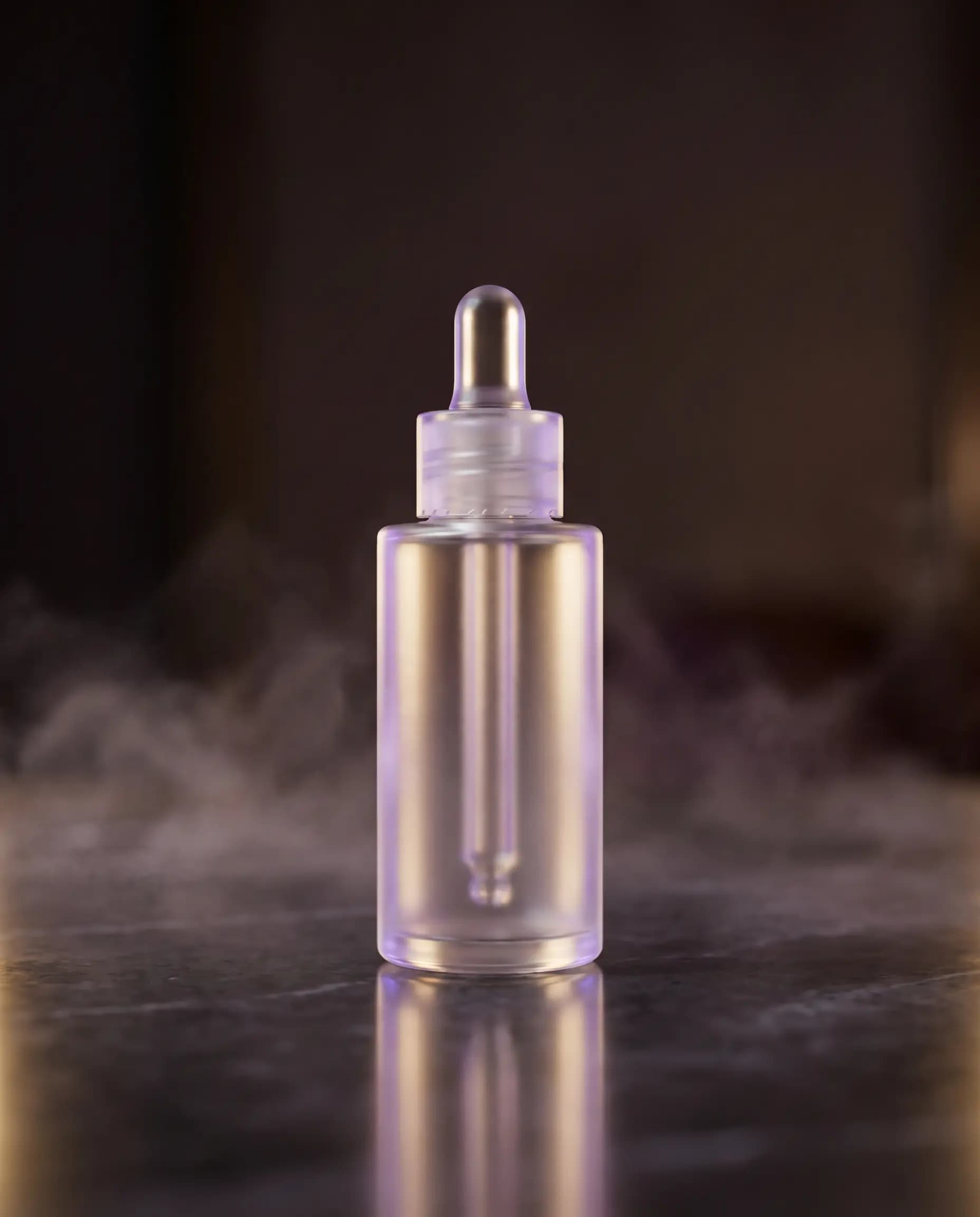
Transform a plain product photo into refined, ad-ready creative.
Turn a prompt into a short, campaign-ready video clip for social posts and ads.
Animate a still product image into a polished short motion clip.
Type a prompt for what you want to create, or upload an image to generate a short video from it.
Pick your output type, aspect ratio, and duration. The credit cost is shown before you generate.
Results arrive in seconds. Download your output or revisit it later from your generation history.
Upload a simple product photo and turn it into polished ad-ready visuals with AI editing models.
BeforeAfterNano Banana Pro EditDrag to compare before and after
Whether you're publishing daily or launching a product — Mavora Studios fits into your workflow.
Generate images and short video clips for social content without a photoshoot or editing suite.
Generate and iterate on visual concepts quickly. Credit-based pricing means you only pay for what you generate.
Upload a product image you have the rights to and generate short video clips to showcase it.
Only pay for what you generate. No seat minimums.
Explore Mavora with free signup credits — no card required.
For occasional projects and trying out ideas.
For creators and founders publishing regularly.
For higher-volume production and small teams.
Start with a free Google sign-in, then choose a plan from your dashboard. Prices in USD; credits refresh each billing month and can be spent on any model. Credits go further on images than on video — short clips cost more per generation. The exact credit cost is shown before you generate, and every model's cost is listed under Per-model credit costs below.
Generation cost depends on the model and options you choose. Costs are shown before you generate.
“from” indicates the starting cost — final cost depends on duration, resolution, and audio options where supported. 1 credit applies the same value across every model.
Credits are the unit of generation in Mavora Studios. Every image or video you generate costs credits, and the exact cost is shown before you start. Your credit allowance depends on your plan.
Monthly subscription credits refresh each billing cycle. The current rollover behavior for your plan is shown on the billing page once you sign in.
Free plan outputs include a small Mavora watermark. Paid plan outputs are produced without a watermark where the model supports it.
Usage rights may depend on the model/provider and your plan. Review the Terms and Content Policy before using outputs commercially, and make sure you hold the rights to any assets you upload.
Yes. We may update features, pricing, model availability, and credit amounts over time as the product improves. Your current plan and credit balance are always shown on the billing page.
Yes. You can cancel from your billing page at any time. See the Refund Policy for details on credits, refunds, and cancellation.
Mavora Studios supports four generation types — text to image, image editing (image to image), text to video, and image to video — across multiple image and video models. The live list of available models and their per-generation credit cost is shown on the landing page and in the dashboard.
Mavora Studios brings multiple image and video models together under one account with a single credit balance, so you can switch models without a separate subscription for each provider. You only pay for what you generate, and every model’s credit cost is shown before you start.